Kawaii Fruits 3D
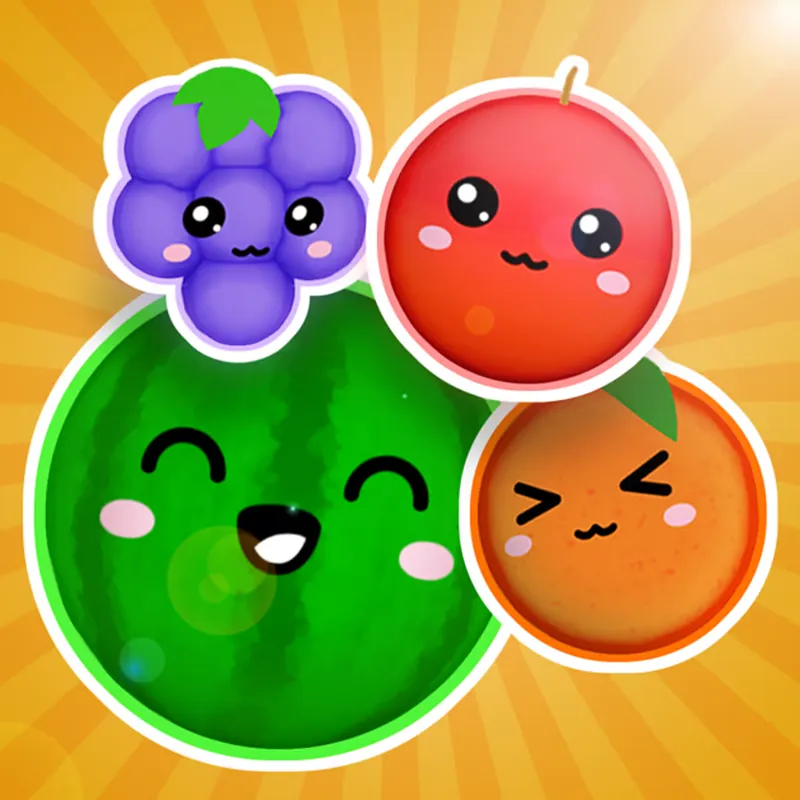
Kawaii Fruits 3D is a skill game about dropping cute fruit into a container. Matching fruits merge into bigger ones, so the game rewards careful placement over speed. It suits anyone who likes slow, tidy puzzles.
Lorvaxardoxeno team · updated 5 November 2026 · 4 min read
The details
- Genre
- Puzzle
- Made by
- Okashi Games
- Works on
- Desktop, phone, tablet
- Input
- Move with the mouse, click to drop
- Session length
- Quick rounds that end when the container fills
- Sign-up
- No sign-up on this site; Poki opens the game directly in the browser
- Fits
- All ages
- Last changed on Poki
- January 2026
What happens in play
The idea is easy to state. Fruit arrives one piece at a time, you choose where it falls, and when two matching fruits touch they merge into a larger one. The container has limits, so every drop either makes room or uses it up. The round is about keeping the pile under control while the score grows.
You steer with the mouse: move it sideways to choose the drop position, then click to let the fruit go. Because the fruit is 3D and has weight, it can roll or settle in ways a flat grid would not allow. It is worth watching where a piece comes to rest before you commit the next one.
Poki describes the goal as planning placement so the container does not overflow while the score rises. That is a good way to think about each decision: before you click, ask what this fruit will touch when it lands and whether the next fruit can still reach a partner.
A useful way to read the container is by zones. The edges decide where fruit can rest, the middle decides how many pieces can stack, and the top is the warning line. Keep the top clear and you keep your options open.
The merge rule is also a reason to think two drops ahead. A small fruit placed beside its twin becomes a bigger one, and that bigger one may then sit beside another bigger one. Plans like this are what Poki means by planning placement rather than reacting to each piece.
Because the game uses a mouse, it is comfortable on a laptop with a trackpad as well as on a desktop. On a phone or tablet the click becomes a tap, though Poki lists only mouse controls, so confirm how the drop feels on your screen.
Keys
- Mouse
- Move the fruit left and right
- Click
- Drop the fruit
Drop cartoon fruit into a container and merge matching pairs.
Practical pointers
- Look at what is already in the container before you move the mouse. A drop should usually land next to an identical fruit.
- Keep the surface of the pile as even as you can. Deep gaps are hard to fill and tend to trap small pieces.
- Do not rush the click. Nothing in the controls rewards speed, so a second spent aiming is cheap.
- When the container feels crowded, prefer drops that start a merge over drops that only add one more piece.
- Notice how the game rewards patience: you can leave the mouse hovering as long as you like.
- If a piece lands badly, use the next drop to repair the gap rather than adding to the mess.
Who gets the most from it
People who like calm puzzle games with a single clear action, and anyone who wants something that works with one mouse and no keyboard.
What may put you off
Poki may show ads before or between rounds, so the pace can be interrupted.
The only control is aim and drop, so there is little to learn but a lot to refine; some players find that repetitive.
A round can end quickly after a few careless drops, which can feel abrupt.
Questions about Kawaii Fruits 3D
Do I need an account?
Not on this site. Poki opens the game directly in the browser; for anything Poki asks, see Poki's own pages.
Can I play on a phone?
Poki lists desktop, phone and tablet for this game. The controls described here are mouse controls, so check how it behaves on your device.
Who made it?
Okashi Games, according to the Poki page.
Can I speed the game up?
The controls only cover aim and drop. Poki does not list a speed option.
Does it end?
A round ends when the container overflows, according to Poki's description of the goal.
 Tic Tac Toe
 Murder